
One Flow, Long to Short
With Clipping AI, open one recording and stay inside the same AI clipping tool: ranked clips with scores, titles, full-transcript search, trim by word, then export vertical MP4s—no app hopping.
 Clipping AI
Turn long videos into viral shorts·AI clip maker in your browser·Auto reframe with word-by-word captions
Overview
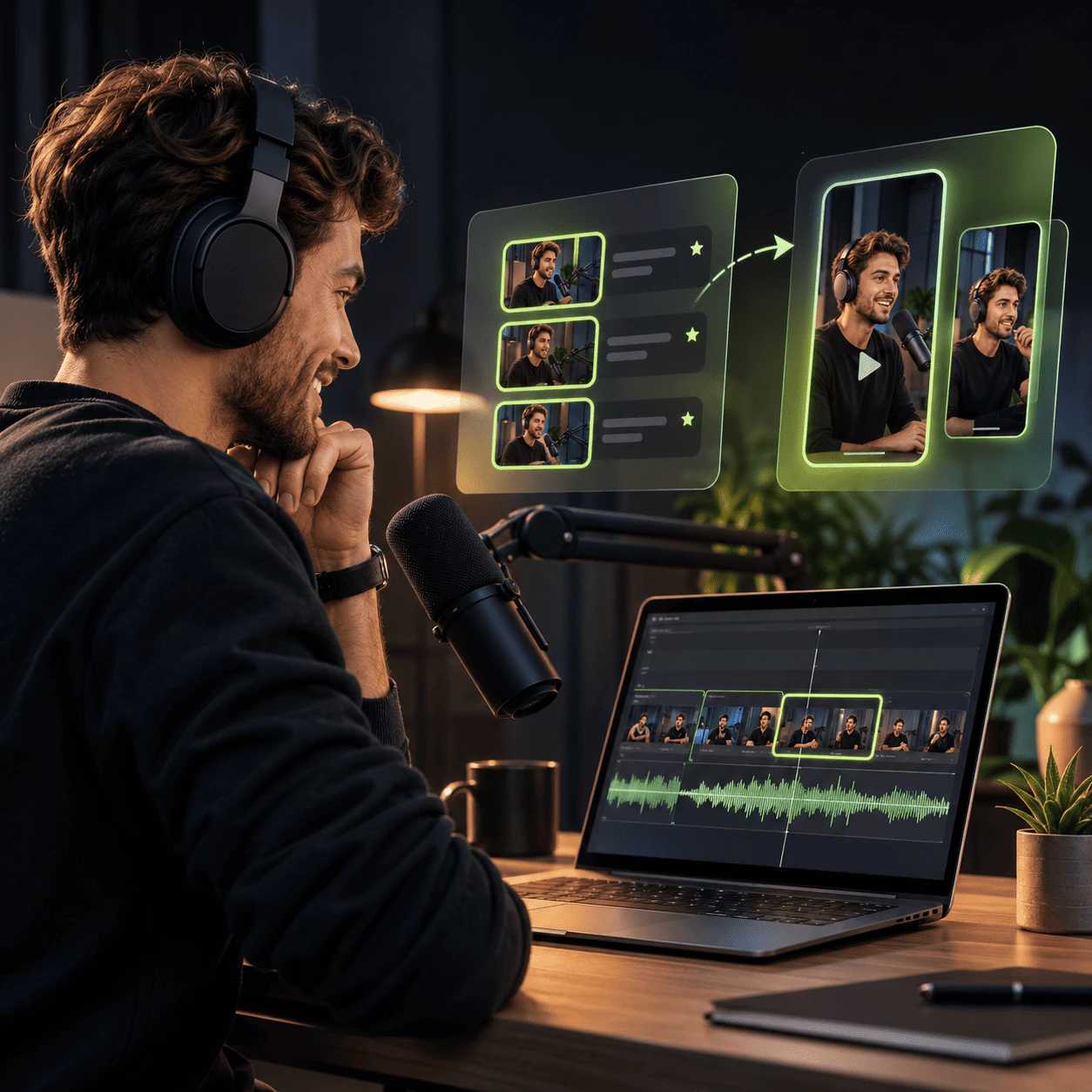
Clipping AI is an AI clip maker for turning long talk videos into vertical shorts. Drop a podcast, interview, stream, or lesson and get ranked clips with hooks, clean sentence cuts, auto reframe, and captions—built for video repurposing in your browser.
Open MP4, MOV, WebM, or MKV from a podcast, webinar, vlog, or stream. Clipping AI reads the file on your device and you can tell it what to hunt for, like a story, a hot take, or a how-to moment.
With Clipping AI, each word gets a timestamp while the AI clipping tool scans for energy and hooks. It scores clips, adds titles, and cuts on sentence boundaries so every short stands alone without the full episode.
Clipping AI flips clips to 9:16 with active-speaker tracking or split screen when two people talk. Tweak cuts by word, style word-by-word captions, then export viral shorts ready for Shorts, Reels, and TikTok.
Podcasters, streamers, coaches, and clippers choose Clipping AI when they want viral shorts from long talk videos without waiting on uploads or digging through timelines:
With Clipping AI, open one recording and stay inside the same AI clipping tool: ranked clips with scores, titles, full-transcript search, trim by word, then export vertical MP4s—no app hopping.
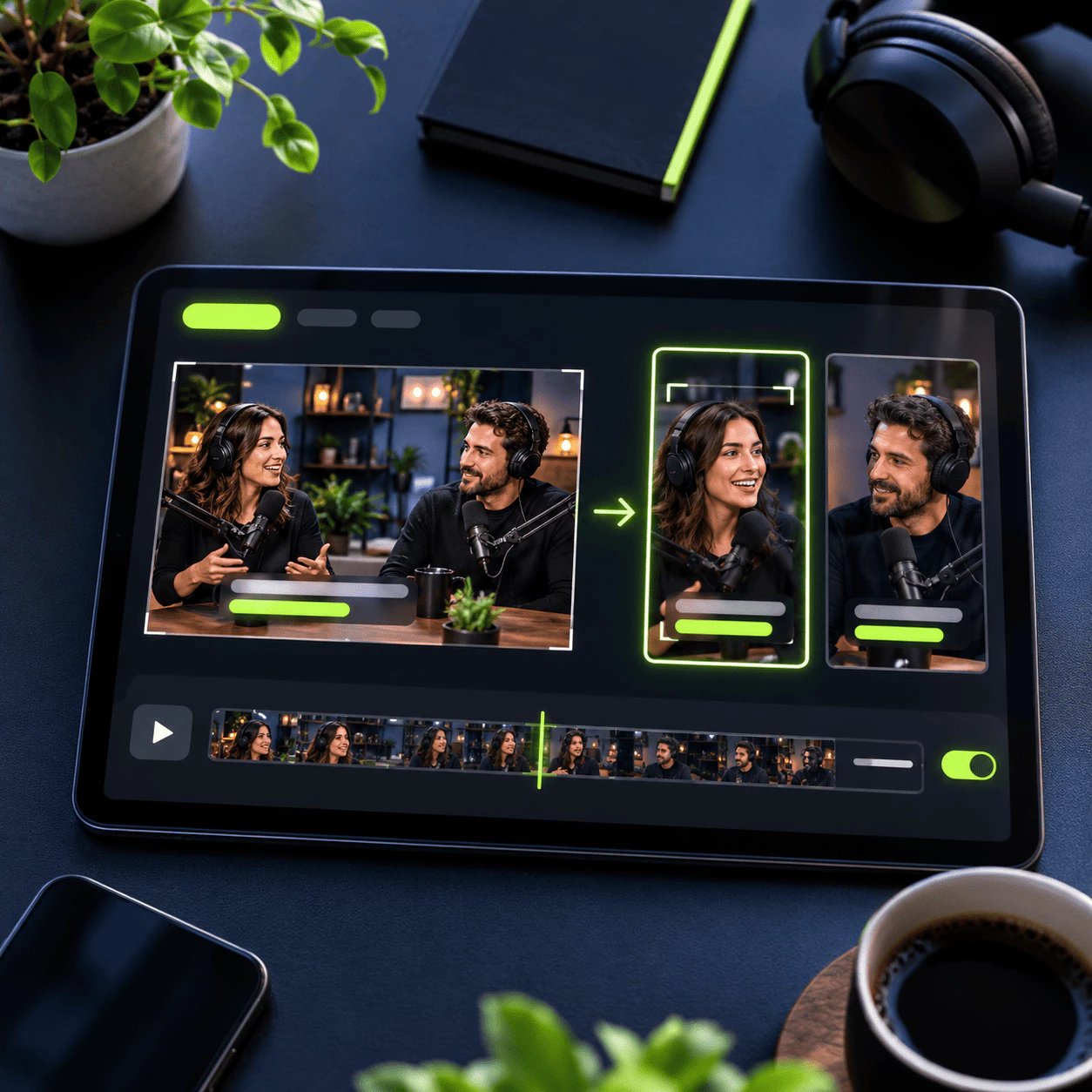
Clipping AI tracks the active speaker in 9:16, stacks two people in split screen when needed, and burns word-by-word captions so every short looks ready for Reels and TikTok.
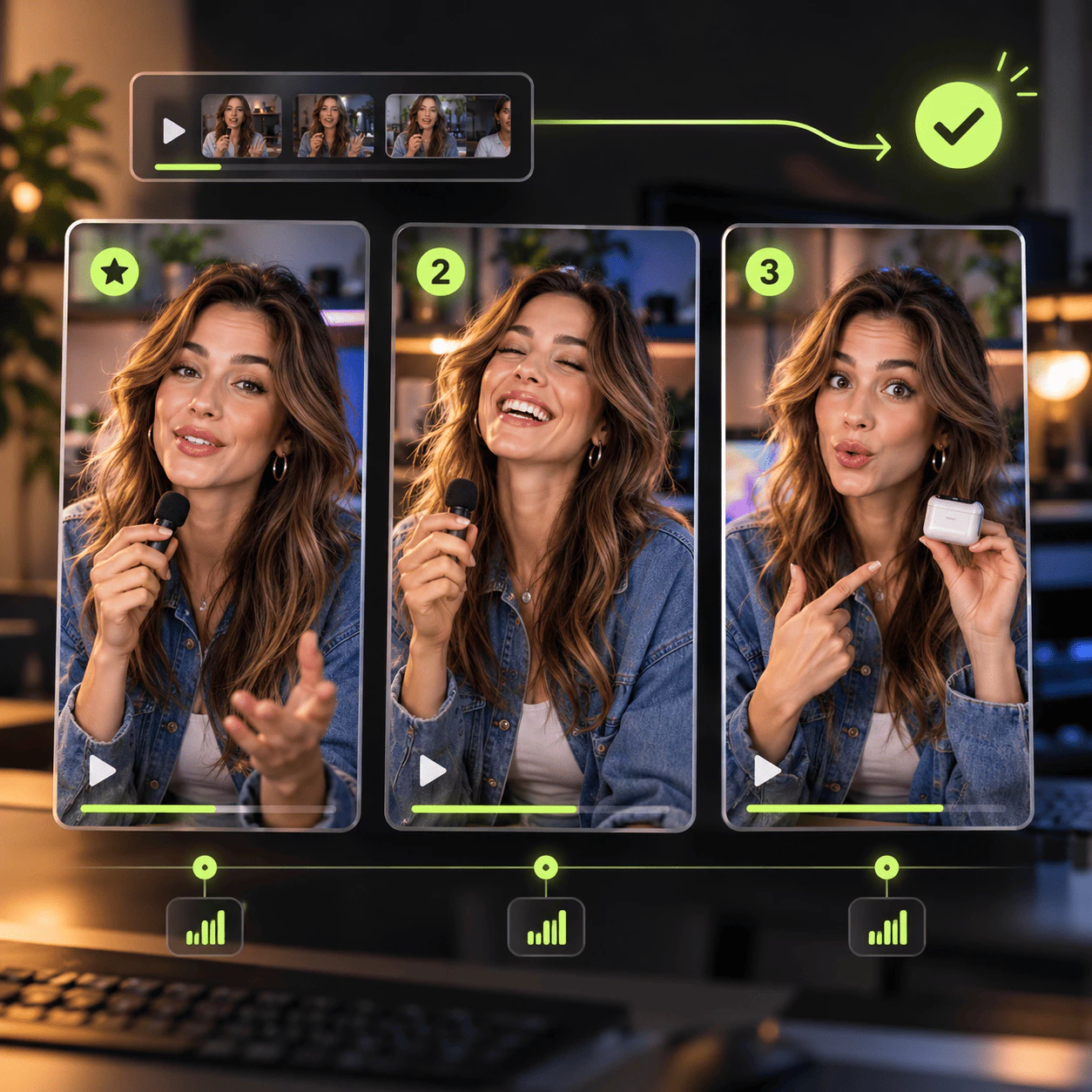
Clipping AI can turn one podcast or stream into many ranked clips with hooks and payoffs. Batch video repurposing: pick the best moments, tweak pacing, and line up Shorts and Reels for the days ahead.
What runs inside Clipping AI—from highlight detection and clean cuts to auto reframe and vertical exports:
Clipping AI reads the full transcript, measures audio energy, and ranks up to fifteen moments with a score, title, and short reason. Search the transcript to build any clip by hand when you already know the quote.
Clipping AI auto reframe keeps the person talking centered in 9:16. On wide two-shots, split screen stacks both speakers and you can nudge each frame so podcast clips stay readable on Reels and TikTok.
Trim dead air, cut filler from sound and picture, add a smart punch-in zoom, or open with a three-second hook teaser. Clips land on word boundaries so nothing starts or ends mid-sentence.
Tell Clipping AI what to pull: a funny story, pricing tips, or the hiring moment. Plain prompts steer highlight detection while sentence boundary cuts keep each short self-contained.
Pick Bold, Karaoke, Clean, or Pop word-by-word captions, level quiet podcast audio for short-form, then export 1080p MP4 in 9:16, 1:1, or 16:9—plus optional SRT and editor XML linked to your local file.
Drop a long video into Clipping AI in the browser, review ranked viral shorts, trim by word, style captions, and render on your device. One AI clip maker flow for podcasts, streams, lessons, and interview video repurposing.
Clipping AI gives you a straight path from one recording to ranked vertical clips you can post:
Add MP4, MOV, WebM, or MKV from a podcast, stream, webinar, lesson, or vlog. Clipping AI opens it in your browser. Optionally type what you want—tips, jokes, or a story arc.
Each word gets a timestamp while Clipping AI tracks energy. The AI clipping tool picks hooks and payoffs, scores every idea, adds titles, and cuts on sentence boundaries so each short stands alone.
In Clipping AI, auto reframe to 9:16, style word-by-word captions, nudge start and end by word, then render vertical shorts on your device—ready for YouTube Shorts, Instagram Reels, and TikTok.
One Clipping AI run turns a long talk video into ranked viral shorts, auto reframe, and captions in a steady short-form posting rhythm.
15
Ranked Clips
Minutes
Fast Turnaround
1080p
Built for Weekly Shorts
Pull many scored shorts from one source: hooks, titles, and reasons ranked so you can pick the best podcast clips, stream highlights, or lesson moments fast.
Clipping AI runs local AI clipping in the browser and skips full-file uploads. Open the recording, review moments, trim by word, and move to export in roughly the time of a coffee break.
Podcasters, streamers, and coaches use the AI video clipper to batch vertical shorts with word-by-word captions and 1080p MP4 ready for Shorts, Reels, and TikTok.
Short answers about Clipping AI—the AI clip maker, AI clipping tool, and turning long videos into vertical shorts—reach out if you need more help.
It is an AI clip generator that turns long talk videos into vertical shorts. You drop a podcast, interview, stream, or lesson, and it finds moments worth posting, cuts on sentence boundaries, and adds word-by-word captions.
Short-form channels need many hooks, not one long upload. One AI clipping tool ranks clips with scores and titles, reframes to 9:16, and helps you repurpose one recording into a week of Shorts and Reels.
Open your file in the browser, wait for ranked clips, then preview each moment. Move start and end by word, pick a caption style, and export vertical MP4 when the short reads ready to post.
Podcasters, streamers, coaches, educators, and clippers who work with speech-heavy video. If your value is in what people say, video repurposing into viral shorts fits your workflow.
Many AI video clippers wait on full-file uploads. Here the recording opens locally, cuts snap to word boundaries, and active-speaker auto reframe keeps faces in frame—built for highlight detection, not random timeline trims.
Yes. Trim to any word, remove filler or silence, add a short hook teaser, search the transcript for a line, switch caption looks, nudge reframe, and export 9:16, 1:1, or 16:9 with optional editor XML.